.svg)
Shopify Abandoned Cart: Native vs Klaviyo vs Third-Party Apps
.avif)
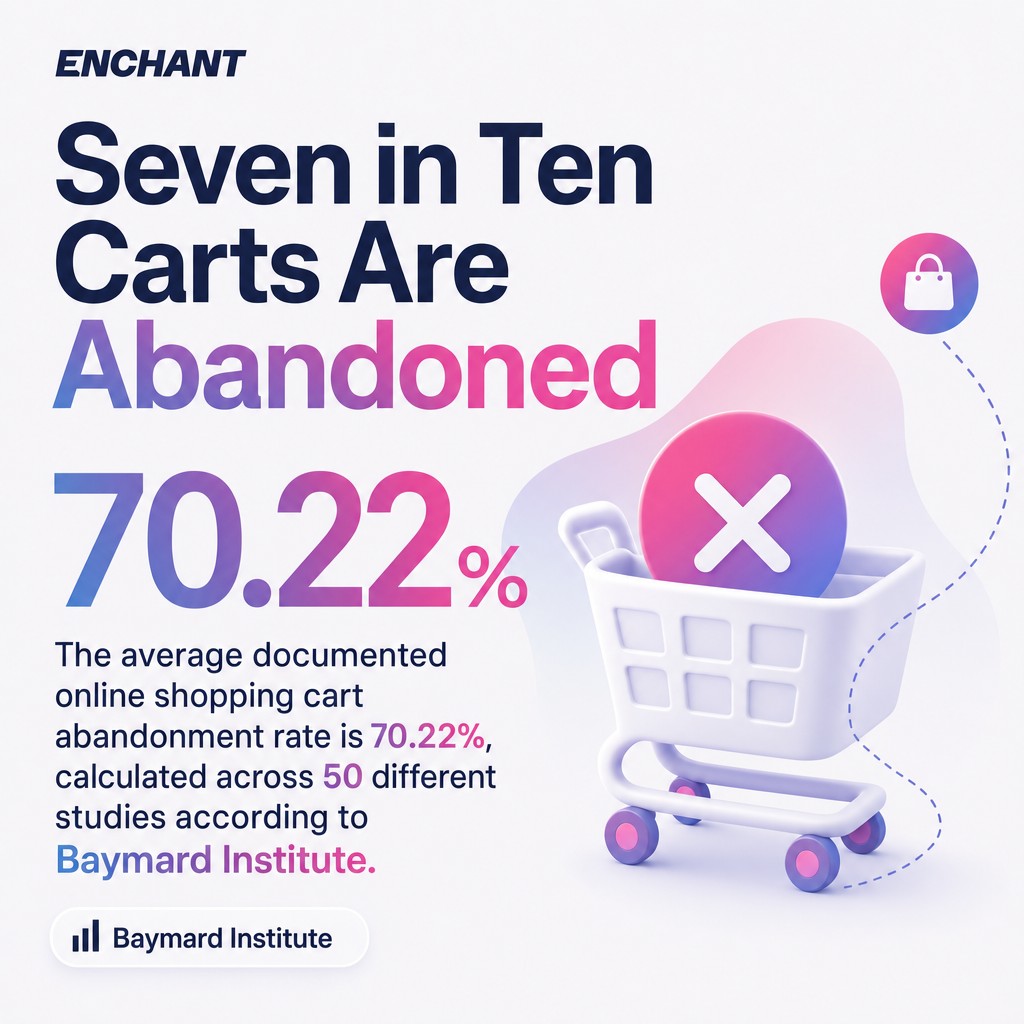
The average documented online shopping cart abandonment rate is 70.22%, calculated across 50 different studies according to Baymard Institute's cart abandonment research. For Shopify stores specifically, that figure sits just above 70%. That means roughly seven in ten shoppers who add something to their cart leave without buying. The revenue sitting in those abandoned checkouts is not gone. A well-built recovery system gets a meaningful portion of it back.
Most Shopify merchants know abandoned cart recovery matters. What they get wrong is assuming Shopify's built-in tool is enough. It isn't. And picking a third-party app without a clear framework is how you end up with five tools doing the same job badly. This guide covers how abandoned cart tracking actually works in Shopify, why customers leave, and exactly how to set up a recovery sequence that performs, whether you're using Shopify's native email, Klaviyo, or another platform.
What Is a Shopify Abandoned Cart (And Why the Terminology Matters)
A Shopify abandoned cart and a Shopify abandoned checkout are two different things, and conflating them costs you recovery opportunities.
An abandoned cart is when a shopper adds items to their cart but never reaches the checkout page. An abandoned checkout is when a shopper begins the checkout process, enters at least their email address, and then leaves. Shopify's built-in abandoned cart recovery only captures the second group. If someone loads up a cart and bounces before typing a single field, Shopify has no email address to follow up with. That shopper is invisible to your automation.
This distinction is important because the two groups behave differently. Shoppers who reached checkout showed higher purchase intent. They deserve a different message than someone who browsed and drifted off. Any serious abandoned cart recovery strategy accounts for both segments, which means you need tools that can capture email addresses earlier in the journey, via pop-ups, loyalty sign-ups, or account creation prompts.
For our Shopify retention strategy work, this early capture is always the first thing we address. You cannot recover a session you never identified.
How Shopify Tracks Abandoned Carts and Checkouts
Shopify tracks abandoned checkouts automatically once a customer has entered their email address at the checkout stage and then left without completing the purchase.
The trigger fires after one hour of inactivity. Shopify logs the session, records the cart contents, and marks the checkout as "abandoned" in your admin. What it does not do is track shoppers who leave before reaching checkout. No email, no tracking, no recovery. That gap is significant given how many shoppers abandon in the cart stage before ever seeing a checkout field.
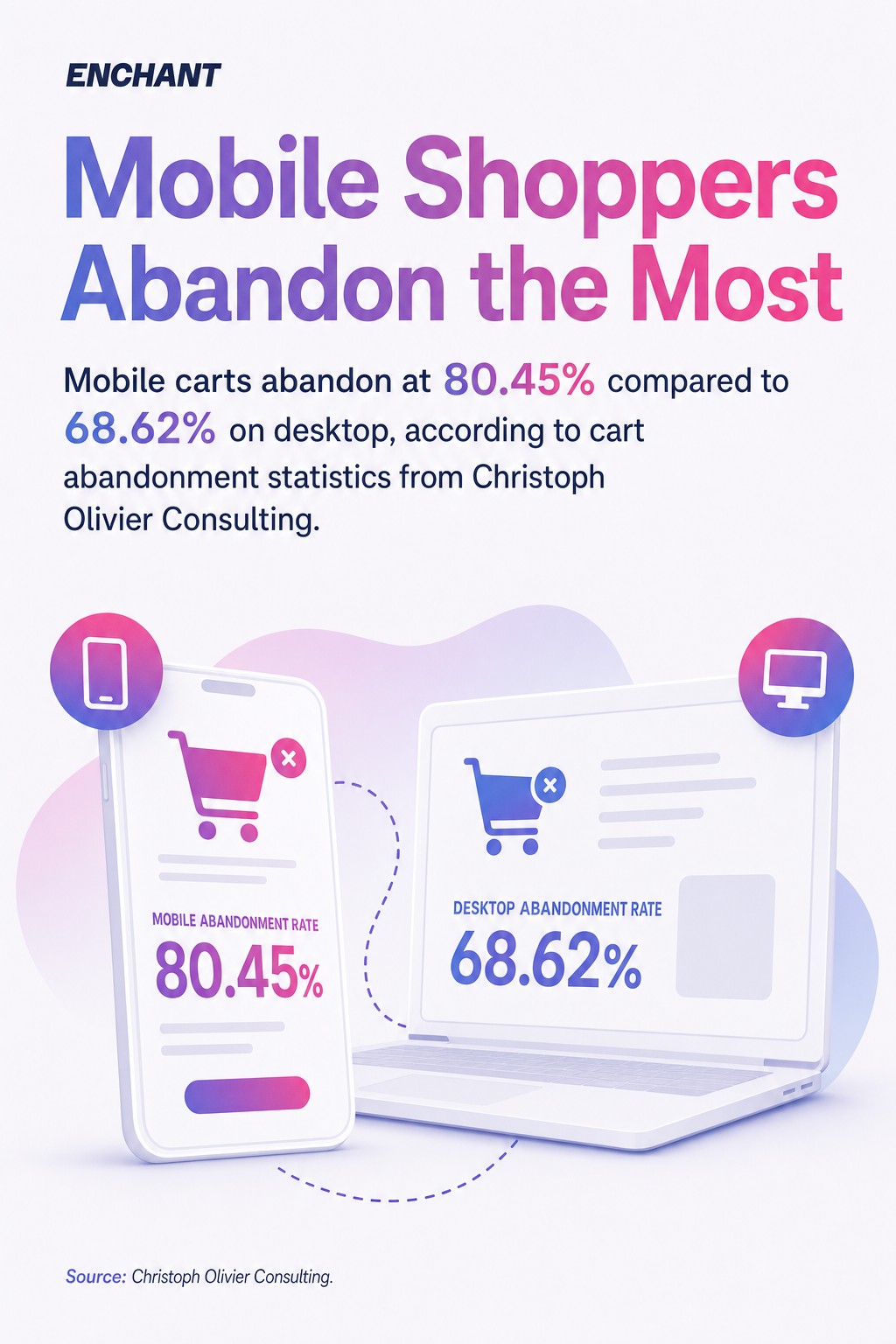
Mobile makes this worse. Mobile carts abandon at 80.45% compared to 68.62% on desktop, according to cart abandonment statistics from Christoph Olivier Consulting. Mobile shoppers are less likely to create accounts, less likely to complete lengthy checkout forms, and more likely to be browsing casually. If your abandoned cart recovery only captures people who type their email into a checkout form, you're losing the most abandonment-prone segment entirely.
Shop Pay helps here. Shopify's own data shows Shop Pay lifts conversions by up to 50% relative to guest checkout, partly because it pre-fills details and removes friction. Enabling Shop Pay is one of the fastest checkout improvements you can make, and it also increases the proportion of sessions Shopify can identify for recovery.
Where to Find Abandoned Checkouts in Your Shopify Admin
Abandoned checkouts in Shopify are found under Orders in your Shopify admin, in a dedicated "Abandoned checkouts" tab.
Here is exactly where to look:
- Log into your Shopify admin.
- Click Orders in the left-hand navigation.
- Select Abandoned checkouts from the sub-menu.
- You will see a list of sessions where a customer entered their email and left without completing the purchase.
- Click any individual abandoned checkout to see the customer's contact details, cart contents, and the option to send a recovery email manually.
Shopify also shows you whether the checkout has been recovered, meaning the customer returned and completed their purchase. This recovery status column is useful for gauging how well your automated sequence is working at a glance.
One thing worth noting: Shopify only stores abandoned checkout data for a limited period. If you want to analyse trends over time or segment abandoned cart data by cart value, product type, or customer history, you need a third-party platform like Klaviyo to pull and store that data in a more usable format.
Why Customers Abandon Their Carts: The Real Reasons
The leading reason US shoppers abandon their carts is extra costs, cited by 48% of shoppers, followed by required account creation at 26% and credit card security concerns at 25%, according to Shopify's enterprise research on cart abandonment causes.
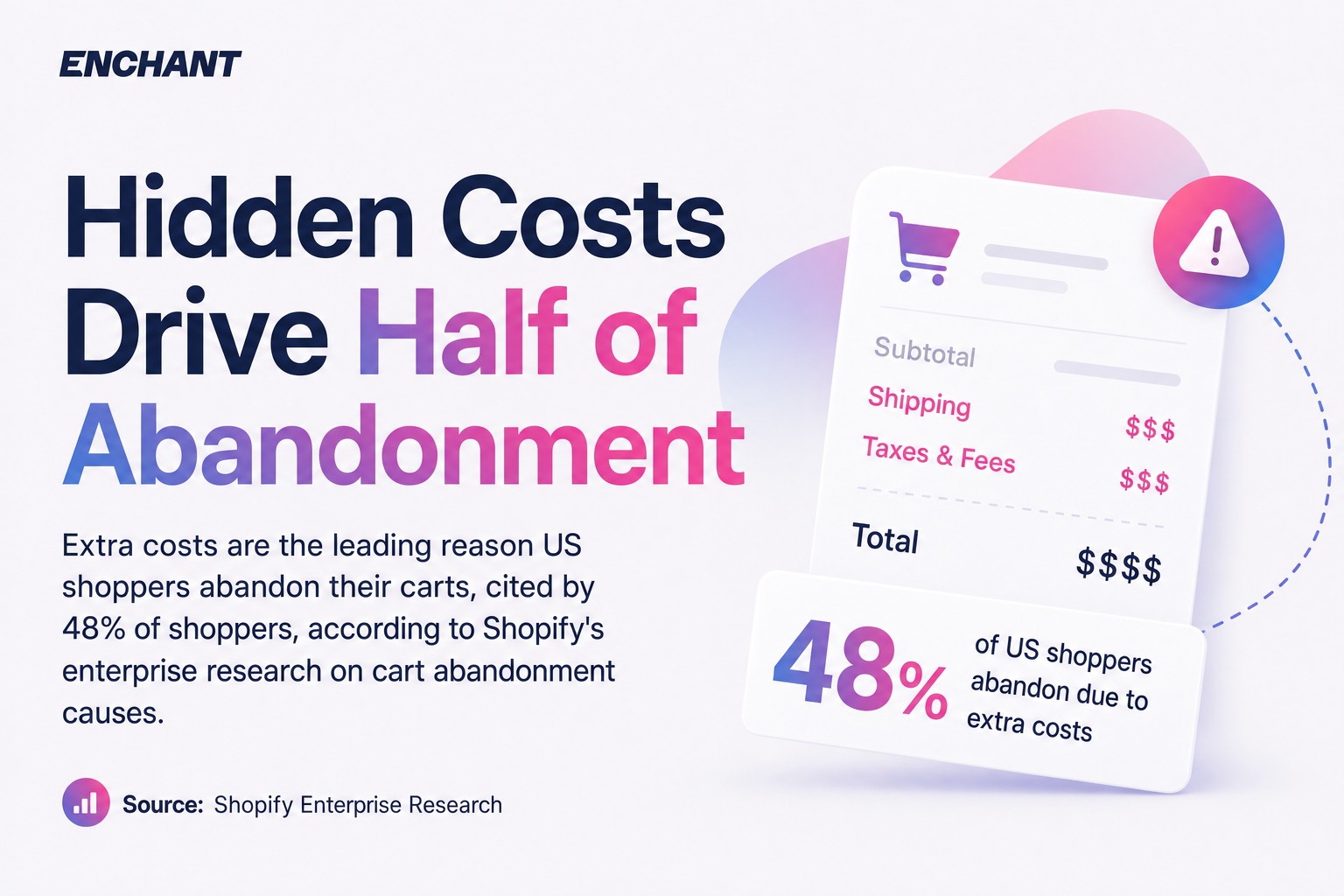
That 48% figure for extra costs should stop you in your tracks. Most merchants focus their abandoned cart recovery entirely on email timing and discount codes. But if a shopper abandoned because they hit an unexpected £8.99 shipping charge at the final screen, no abandoned cart email subject line is going to fix that. The problem is upstream.
Baymard's research adds important context here. Baymard estimates the average large-sized ecommerce site can achieve a 35.26% increase in conversion rate through checkout design improvements alone. That is not email copy. That is not a discount code. That is fixing your checkout flow so fewer people need to be recovered in the first place.
The practical takeaway: split your abandoned cart work into two tracks. Track one is prevention, removing friction from your checkout (transparent pricing, guest checkout, Shop Pay, fewer form fields). Track two is recovery, the email and SMS automation that wins back people who left anyway. Most brands only run track two. The brands that run both see the compounding effect.
The Four Most Common Abandonment Triggers
- Surprise shipping costs revealed at checkout, not on the product page
- Forced account creation before purchase is allowed
- Security concerns about payment processing or unfamiliar brands
- Checkout friction from too many fields, slow pages, or mobile layout issues
Fix the first two and your abandoned checkout volume drops. Then your recovery emails work on a smaller, higher-intent pool. That is a much better position to be in.
How to Set Up Shopify Abandoned Cart Recovery: Step-by-Step
Shopify's native abandoned checkout email is set up in your admin under Settings > Notifications > Abandoned checkout, and it sends one automated email after a fixed delay.
Using Shopify's Built-In Abandoned Checkout Email
- Go to Settings in your Shopify admin.
- Click Notifications.
- Scroll to Customer notifications and find Abandoned checkout.
- Click the template to edit the subject line and body copy.
- Set your send delay (Shopify defaults to 10 hours after abandonment).
- Save and enable the automation.
That gets you running quickly. But Shopify's built-in tool only sends one email, and it only captures shoppers who reached the checkout page. Shopify's native abandoned checkout email feature sends a single automated email and captures only shoppers who reached the checkout page. For many stores just starting out, that is fine. But it is the floor, not the ceiling.
Setting Up Klaviyo Abandoned Cart Flows for Shopify
Klaviyo connects to Shopify via a native integration and can fire abandoned cart flows based on cart activity, not just checkout entry. This means you can reach shoppers earlier in the funnel.
- Install the Klaviyo Shopify integration from the Klaviyo dashboard or Shopify App Store.
- In Klaviyo, go to Flows and click Create Flow.
- Search for "Abandoned Cart" in the flow library. Klaviyo provides a pre-built template.
- Set your trigger: either Checkout Started (matches Shopify's native behaviour) or Added to Cart (captures earlier abandonment).
- Build your email sequence: first email at 1 hour, second at 24 hours, third at 3 days is a solid starting point.
- Add conditional splits to exclude anyone who has purchased between sends.
- Enable SMS steps in the same flow if you have SMS consent from subscribers.
- Publish the flow and monitor placed order rates in Klaviyo's flow analytics.
Our dedicated guide to the Klaviyo and Shopify integration covers the technical setup in more detail, including how to configure data sync and event tracking correctly from day one.
Abandoned Cart Email Best Practices for Shopify Stores
Abandoned cart emails that recover the most revenue share four consistent characteristics: they arrive quickly, they show the exact products left behind, they reduce friction with a clear call-to-action, and they build enough trust that the shopper feels confident completing the purchase.
A few things that move the needle, in order of impact:
- Product images and names in the email body. Shopify and Klaviyo both support dynamic product blocks. Use them. An abandoned cart email that does not show the actual item is a generic nudge. One that shows the exact product, size, and colour is a reminder.
- A single, prominent call-to-action. One CTA button. Not three links, not a navigation menu. "Return to your cart" or "Complete your purchase" in a button colour that contrasts with the rest of the email. That CTA needs to be above the fold on mobile.
- Social proof near the CTA. A short customer review, a star rating, or a trust badge placed just above or below your CTA button addresses the security concerns that drive 25% of abandonment. It does not need to be a paragraph. Three lines from a real customer review is enough.
- Personalisation that goes beyond a first name. Reference the product category, mention a benefit relevant to what they were browsing, or acknowledge their returning customer status. Personalisation in abandoned cart emails means dynamic content, not merge tags.
For worked examples of what this looks like in practice, our cart abandonment email examples guide walks through real executions with annotations on what each element is doing.
Discount Codes: Use Them Strategically, Not by Default
A lot of merchants add a discount code to every abandoned cart email. This is a mistake. You train your customers to abandon carts on purpose, waiting for the inevitable 10% off. Reserve discount codes for the third or fourth email in your sequence, when the shopper has already ignored two reminder messages. At that point, the incentive earns its place.
When you do use a discount code, make it time-limited. "Use code CART10 in the next 24 hours" creates urgency without being aggressive. Keep it honest and keep it simple.
Abandoned Cart Email Timing: The Optimal Sequence
An abandoned cart email sequence timed correctly treats each message as a distinct conversation, not a repeat of the same nudge sent three times.
The structure that consistently performs well across Shopify stores:
EmailSend Time After AbandonmentPrimary GoalIncentive1st abandoned cart email30 to 60 minutesSimple reminder, cart contentsNone2nd abandoned cart email6 to 12 hoursSocial proof, address concernsNone3rd abandoned cart email24 hoursUrgency, stock or price reminderOptional4th abandoned cart email48 to 72 hoursFinal attempt, discount codeYes
The first abandoned cart email should go out within an hour. Intent is highest immediately after abandonment, and that window closes fast. Klaviyo's 2024 Benchmark Report shows abandoned cart flows have a placed order rate of 3.33%. That figure climbs when sequences are multi-step and timed correctly rather than relying on a single send.
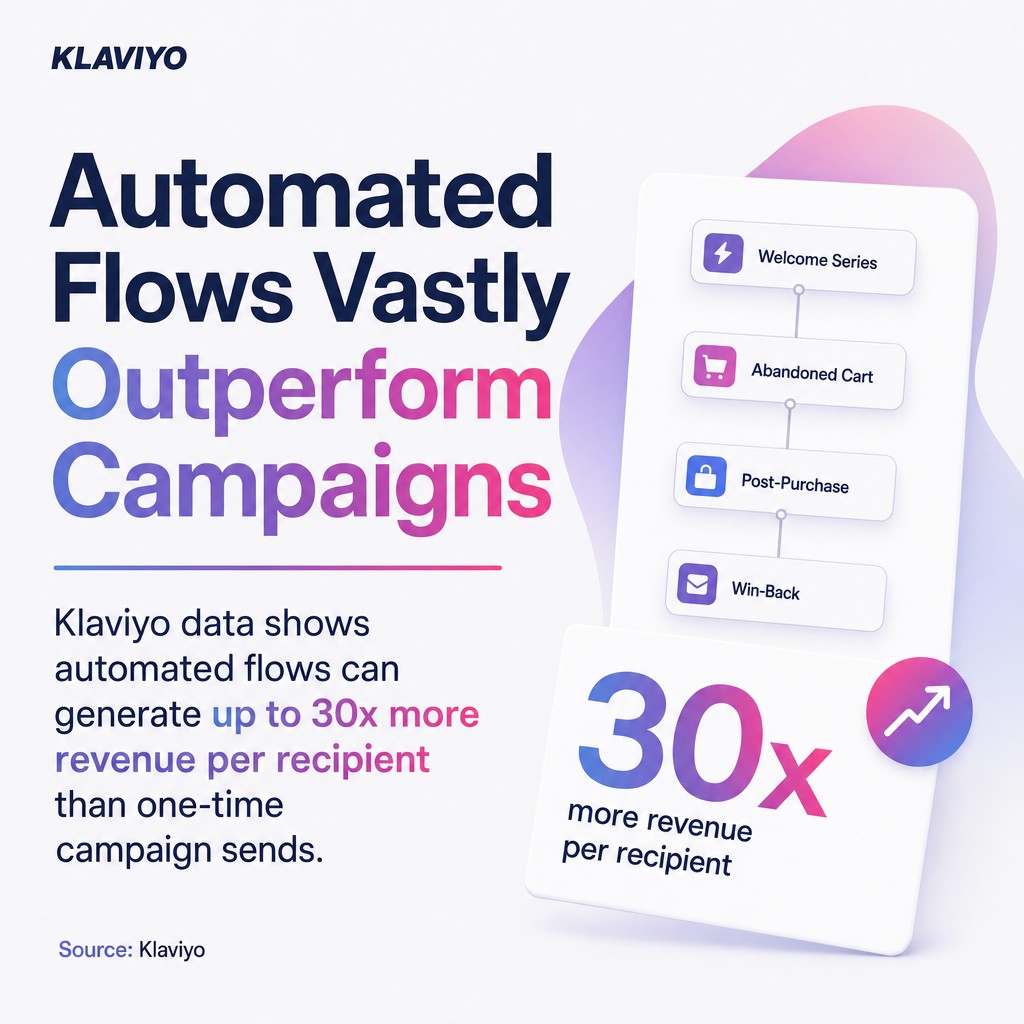
The automation multiplier matters here too. Klaviyo data shows automated flows can generate up to 30x more revenue per recipient than one-time campaign sends. A single Shopify abandoned checkout email, sent once at a fixed delay, leaves most of that opportunity on the table.
SMS can sit inside the same flow. Place an SMS step between email two and email three for subscribers who have opted in. Keep it short: the product name, a direct link back to checkout, and nothing else. Omnisend's 2025 ecommerce marketing report found automated SMS messages drove 18% of orders from just 9% of sends. That is a strong conversion-to-volume ratio and it makes SMS a smart addition to any abandoned cart sequence, not an afterthought.
For a broader view of what automation can do across your full email programme, our email automation toolkit covers 100 ways to build flows across the customer lifecycle.
Shopify's Built-In Recovery vs. Third-Party Apps
Shopify's native abandoned checkout email tool is limited to one email, fixed timing, basic customisation, and checkout-only triggering, while third-party platforms like Klaviyo offer multi-step sequences, cart-level triggers, SMS, segmentation, and detailed flow analytics.
That is not a criticism of Shopify. The built-in tool is designed to give every merchant a baseline without requiring a tech setup. For a new store with low volume, it does the job. The problem comes when merchants outgrow it and do not notice.
As a Klaviyo Master Platinum Partner and a Shopify Partner, we have seen both sides of this. Shopify's native tool handles the basics. Klaviyo handles everything else: multi-step abandoned cart flows, cart-level triggers, SMS steps inside the same flow, segmentation by cart value, and suppression logic that stops you emailing someone who already purchased via another channel.
When to Stick With Shopify's Native Email
Shopify's built-in abandoned checkout email is the right choice if you are just launching, if your monthly abandoned checkout volume is low (under 100 per month), or if you are not yet running any other email automation. Getting the single email working correctly is better than setting up a complex Klaviyo flow you cannot maintain.
When to Move to Klaviyo or a Third-Party App
Move to Klaviyo when any of the following apply:
- You want more than one email in your abandoned cart sequence
- You want to trigger on cart activity, not just checkout entry
- You need SMS inside the same automation flow
- You want to segment by cart value, product category, or customer history
- You need revenue attribution reporting at the flow level
For merchants evaluating alternatives, our guide to the best email marketing apps for Shopify covers the main options with an honest breakdown of where each one fits.
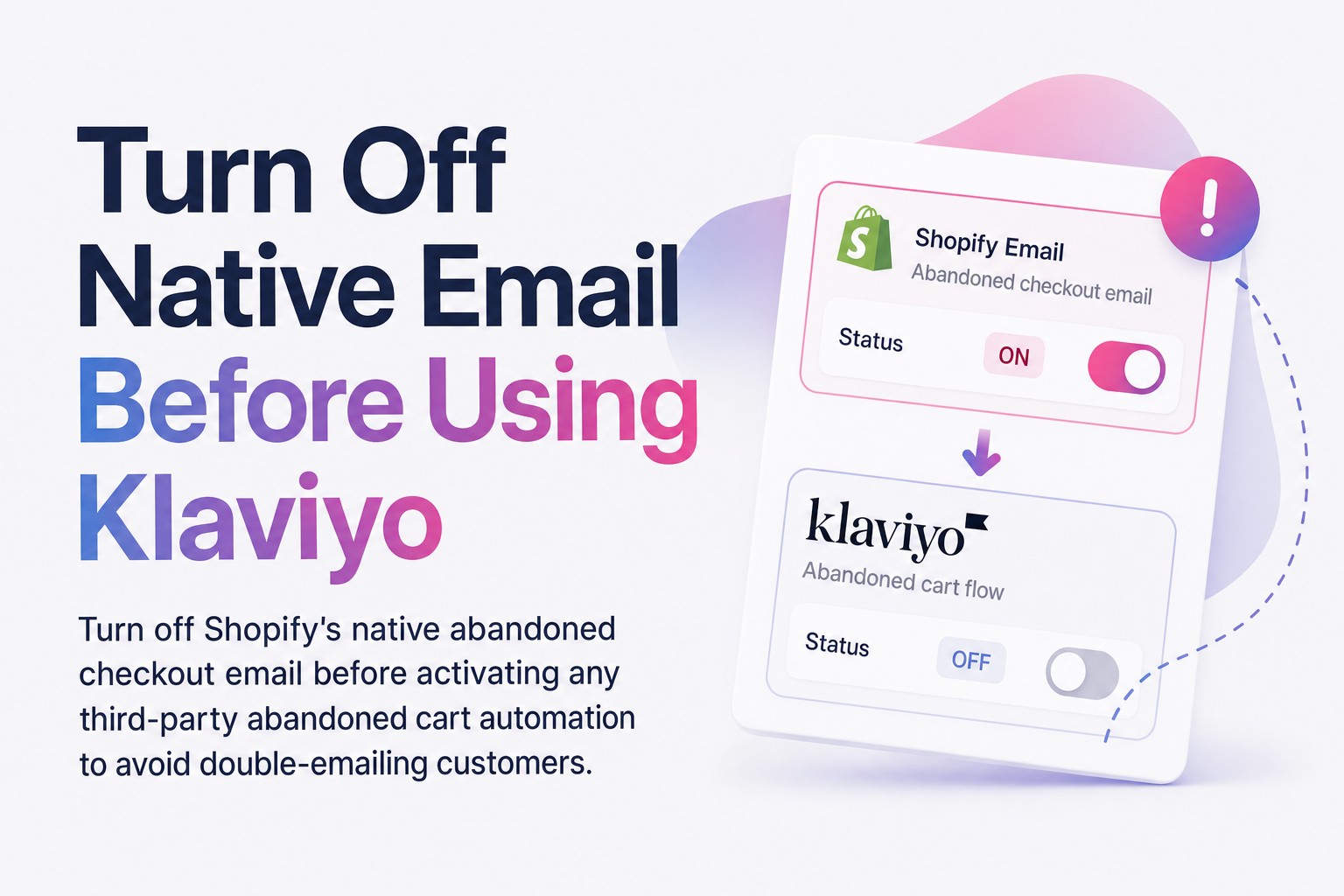
One thing to avoid: running Shopify's native abandoned checkout email at the same time as a Klaviyo abandoned cart flow. You will double-email people and that damages deliverability and trust. Turn off Shopify's native email before activating any third-party abandoned cart automation.
Shopify Abandoned Cart Recovery: Summary and Next Steps
Shopify abandoned cart recovery is not a single email. It is a system that starts with reducing checkout friction, captures as many sessions as possible through early email identification, and then runs a timed multi-channel sequence to bring shoppers back.
Shopify's native tool gets you started. Klaviyo gets you performing. The gap between a single abandoned checkout email and a four-step abandoned cart flow with SMS is the difference between a basic safety net and a revenue-generating automation. Brands running optimised flows consistently see higher recovery rates, and the data is clear that automated sequences outperform single sends on every meaningful metric.
Start with the checkout fixes first. Then build your abandoned cart email sequence. Then add SMS. That order matters.
If you want a professional eye on how your abandoned cart flows are set up and performing, our email automation and flows service covers end-to-end design, build, and optimisation of abandoned cart sequences for Shopify stores. Or if you want to see how other brands execute these flows before committing to a build, start with the cart recovery email sequences guide.
Frequently Asked Questions
What is the difference between an abandoned cart and an abandoned checkout on Shopify?
An abandoned cart is when a shopper adds items to their cart but does not reach the checkout page. An abandoned checkout is when a shopper begins checkout, enters their email, and then leaves. Shopify's built-in recovery only captures abandoned checkouts, not abandoned carts.
How do I find abandoned checkouts in Shopify?
Go to your Shopify admin, click Orders, then select Abandoned checkouts from the sub-menu. You will see all sessions where a customer entered their email at checkout and did not complete the purchase.
How many emails should be in an abandoned cart sequence?
A four-email sequence is the standard for optimised abandoned cart recovery: first at 30 to 60 minutes, second at 6 to 12 hours, third at 24 hours, and fourth at 48 to 72 hours. Each email should serve a distinct purpose rather than repeating the same message.
Should I include a discount code in my abandoned cart emails?
Not in every email. Reserve discount codes for the third or fourth message, once the shopper has already ignored earlier reminders. Using a discount code in the first abandoned cart email trains customers to abandon intentionally and waits for the offer.
Can Shopify send abandoned cart SMS messages?
Shopify's native tool does not include abandoned cart SMS. For SMS recovery, you need a third-party platform like Klaviyo, which allows SMS steps inside the same abandoned cart flow as your emails. SMS consent must be collected separately from email consent.
Does Shopify's built-in abandoned cart email work alongside Klaviyo?
No. Running both at the same time will double-email your customers. Turn off Shopify's native abandoned checkout email before activating a Klaviyo abandoned cart flow.