.svg)
Klaviyo API in Plain English: 6 Real Use Cases with Code
.avif)
The Klaviyo API is a REST API that gives developers and marketers programmatic access to Klaviyo's core data objects, including profiles, events, lists, segments, flows, campaigns, and metrics, using standard HTTP methods (GET, POST, PATCH, DELETE) with API key-based authentication and versioned endpoints. As of the latest Klaviyo investor release, the platform serves over 193,000 customers, and the API is the plumbing that connects all of them to the wider stack. If you want to sync customer data in real time, trigger flows programmatically, or push events from a custom app, the Klaviyo API is where that work happens.

Most guides on the Klaviyo API either read like a raw reference dump or gloss over the parts that actually trip people up (authentication, versioning, rate limits). This post skips the fluff. You'll get the auth setup, the key endpoints, working code snippets, and six real use cases you can put into production.
Getting Started with Klaviyo API Authentication
Klaviyo API authentication uses two distinct key types: a public API key (also called the site ID) for client-side tracking, and a private API key for server-side REST API calls, each generated separately from your Klaviyo account settings.
The distinction matters. Get it wrong and you'll either expose credentials you shouldn't, or hit authentication errors you don't understand.
Public API Key vs Private API Key
Your public API key is safe to embed in front-end JavaScript. It identifies your account for the Track and Identify API, which records events and upserts profile data from the browser. It is not a secret.
Your private API key is a secret. It goes server-side only, included in every REST API request as a header. The correct format is:
Authorization: Klaviyo-API-Key your-private-api-key
Never put your private API key in client-side code. Full stop.

OAuth for Third-Party Integrations
If you're building an integration for other Klaviyo accounts rather than your own, OAuth is the correct authentication route. Worth noting: Klaviyo blocked all OAuth token traffic through www.klaviyo.com from March 31, 2025, migrating it fully to a.klaviyo.com. If you have legacy OAuth flows hitting the old domain, update them now.
For most direct integrations, private API key authentication is all you need.
Klaviyo API Versioning and the Changelog
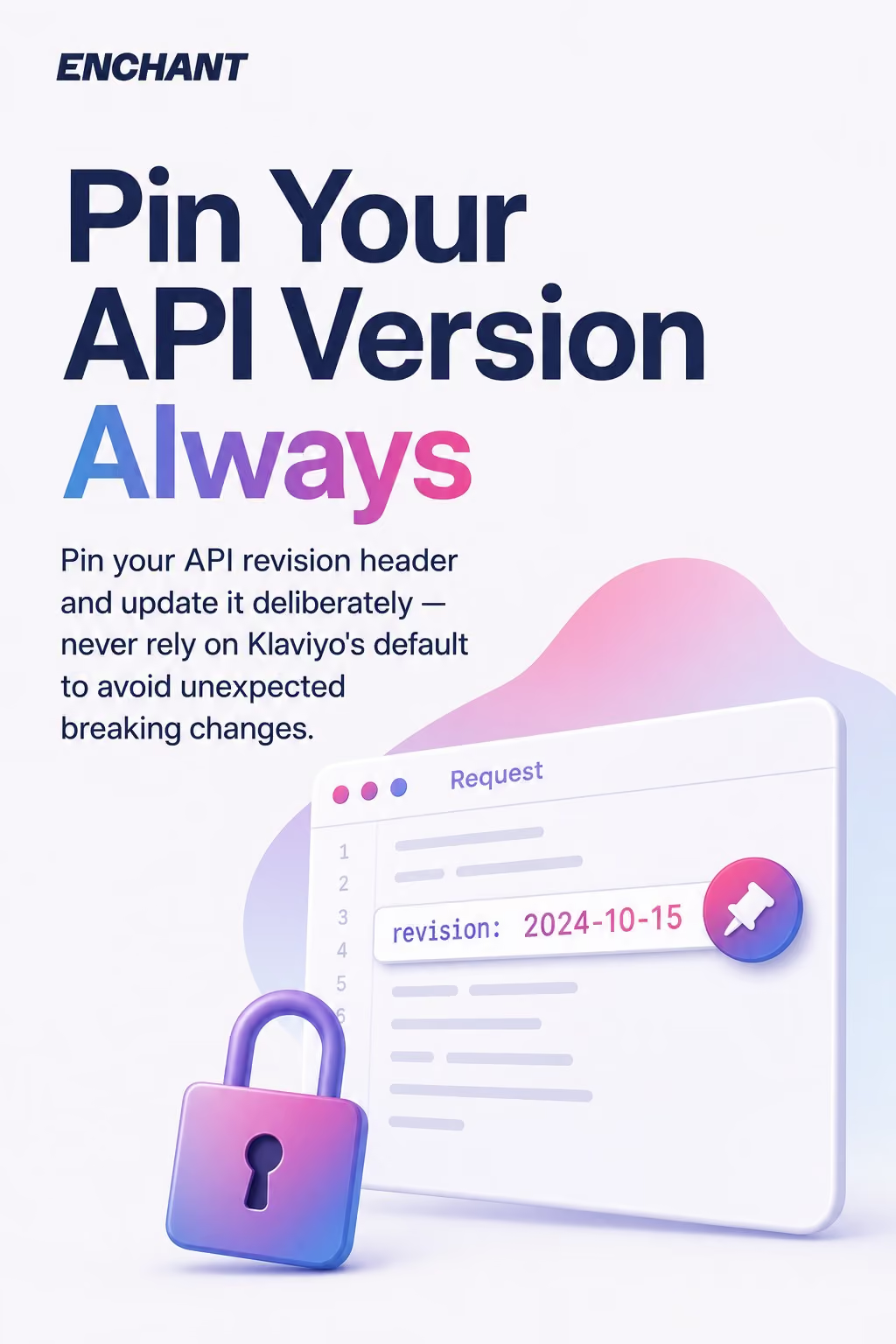
The Klaviyo API uses date-based API versioning, with every request requiring a revision header that specifies which version of the API you're targeting, formatted as YYYY-MM-DD (for example, 2024-10-15).
This is one of the most misunderstood parts of the Klaviyo API. A lot of developers skip the revision header early on and get the latest version by default, then find things breaking when Klaviyo ships a new revision. Pin your version. Update deliberately.
How to Set the Revision Header
Every API request should include:
revision: 2024-10-15
Check Klaviyo's official API changelog before updating your revision header in production. Breaking changes are documented there. Klaviyo maintains backward compatibility within a revision, so an older pinned version keeps working until Klaviyo formally deprecates it.
Keep a record of which revision your integration targets. It sounds obvious. Most teams don't do it until something breaks.
Core Klaviyo API Endpoints You'll Actually Use
The Klaviyo REST API organises endpoints into resource categories, the most frequently used being Profiles, Events, Lists, Segments, Flows, Campaigns, and Metrics, each accessible via standard HTTP methods against https://a.klaviyo.com/api/.
Profiles API
The Profiles API is where you create, read, update, and merge customer records. It's the foundation of everything else. A profile stores email, phone number, location, custom properties, and consent status.
To create or update a profile via POST:
POST https://a.klaviyo.com/api/profiles/
Authorization: Klaviyo-API-Key pk_xxxx
revision: 2024-10-15
Content-Type: application/json

{
  "data": {
    "type": "profile",
    "attributes": {
      "email": "jane@example.com",
      "first_name": "Jane",
      "last_name": "Doe",
      "properties": {
        "loyalty_tier": "gold"
      }
    }
  }
}
The Profiles API also supports PATCH for partial updates and GET for fetching individual profiles or filtered lists. Use PATCH, not POST, when updating an existing profile to avoid duplicate creation.
Events API
The Events API records customer actions, things like purchases, product views, quiz completions, or any custom behaviour you want to track. Events are what trigger flows and populate metrics.
POST https://a.klaviyo.com/api/events/
Authorization: Klaviyo-API-Key pk_xxxx
revision: 2024-10-15

{
  "data": {
    "type": "event",
    "attributes": {
      "metric": { "data": { "type": "metric", "attributes": { "name": "Completed Quiz" } } },
      "profile": { "data": { "type": "profile", "attributes": { "email": "jane@example.com" } } },
      "properties": { "quiz_name": "Skin Type", "result": "dry" }
    }
  }
}
This is the backbone of behavioural segmentation. Every custom event you fire via the Events API can become a flow trigger or a segment condition.
Lists and Segments API
The Lists API handles list creation, subscription management, and bulk profile imports. The Segments API lets you fetch profiles that match a segment definition but does not let you modify segment rules via the API (that's done in the Klaviyo UI).
To add profiles to a list:
POST https://a.klaviyo.com/api/lists/{list_id}/relationships/profiles/
To retrieve profiles in a segment, use GET against /api/segments/{segment_id}/profiles/. Pagination is cursor-based for large lists, so always handle the links.next value in the response.
Flows, Campaigns, and Metrics API
The Flows API lets you retrieve flow definitions and their associated actions via GET. You cannot create or edit flows through the API, only read them and manage flow message statuses. The Campaigns API supports creating, scheduling, and sending campaigns programmatically. The Metrics API returns a list of available metrics and their IDs, which you then use in the Metric Aggregates endpoint to pull aggregated reporting data.
Klaviyo SDKs and Developer Tools
Klaviyo provides official SDK libraries for Python, Ruby, Node.js, and PHP, each wrapping the REST API with typed methods and built-in handling for authentication headers and API versioning.
If you're writing raw HTTP requests, you're doing more work than you need to. The SDKs handle the revision header, retry logic, and serialisation automatically.
Installing the Python SDK
pip install klaviyo-api
Then:
from klaviyo_api import KlaviyoAPI

klaviyo = KlaviyoAPI("your-private-api-key", max_delay=60, max_retries=3)
response = klaviyo.Profiles.get_profiles()
The max_retries parameter is particularly useful. The SDK will automatically back off on 429 rate limit responses, which saves you writing that logic yourself.
OpenAPI Spec and Postman Collection
Klaviyo publishes an OpenAPI specification for each API revision, which you can import directly into Postman for quick endpoint testing. Their developer docs also link to a maintained Postman collection. Both are essential for testing before you write production code.
For a solid starting point when building against Klaviyo, check out our step-by-step Klaviyo tutorial for beginners, which covers platform mechanics alongside the API context.
Rate Limits and Error Handling
The Klaviyo API enforces rate limits per endpoint category, returning HTTP 429 responses when a client exceeds the allowed request volume, and the correct handling strategy is exponential backoff with jitter rather than immediate retries.
Most integrations that fail in production fail here. They either don't handle 429s, or they retry immediately and make the problem worse.
Rate Limit Tiers
Klaviyo groups endpoints into steady-state and burst tiers. The Profiles API, Events API, and Lists API all have individual rate limits documented in the official rate limits reference. Bulk endpoints have lower limits than single-object endpoints.
When you hit a rate limit, the response includes a Retry-After header. Read it. Wait that many seconds. Then retry.
Standard Error Codes
Klaviyo API error responses follow the JSON:API spec, returning an errors array with a code, title, and detail for each issue. The most common ones:
- 401 — invalid or missing API key. Check your private API key and Authorization header format.
- 404 — resource not found. Usually a wrong ID or the resource was deleted.
- 409 — conflict. Often triggered when trying to POST a profile that already exists by email.
- 429 — rate limit exceeded. Back off and retry with the Retry-After delay.
- 503 — service unavailable. Implement retry logic with exponential backoff.
Write error handling that logs the full error body, not just the status code. The detail field tells you exactly what went wrong.
6 Real Use Cases for the Klaviyo API
The Klaviyo API's practical value comes from connecting it to your product, your data warehouse, or your custom tooling, with the six most impactful use cases being real-time profile sync, custom event tracking, programmatic list management, flow triggering, campaign scheduling, and external reporting.
Automated emails are already doing serious work: according to Omnisend's 2026 ecommerce marketing report, automated emails generated 30% of total email-driven revenue in 2025, earning 16x more per send than broadcast sends. The API is what makes that automation possible when your triggers live outside Klaviyo itself.

Use Case 1: Real-Time Profile Sync from Your CRM
POST or PATCH to the Profiles API whenever a customer record changes in your CRM. Pass custom properties like subscription tier, loyalty points, or account manager name. Those properties then drive segmentation and personalisation without any manual CSV imports.
Given that Klaviyo offers more than 350 prebuilt integrations, there's a good chance your CRM already has a native connector. But for custom CRM platforms or proprietary systems, the Profiles API is the right path.

Use Case 2: Custom Event Tracking from Your App
Fire events to the Events API when users complete meaningful actions inside your product: onboarding milestones, feature activations, usage thresholds. Use those events as flow triggers in Klaviyo. This is how SaaS and subscription businesses build behavioural email sequences without hardcoding logic inside the ESP.
For a wider view of what these triggered sequences look like in practice, our post on impactful triggered email strategies covers the strategic layer behind the API mechanics.
Use Case 3: Bulk List Management and Consent Handling
Use the Lists API to sync opt-in status from your consent management platform, add profiles to suppression lists when users withdraw consent, or populate lists from external sign-up flows. GET the current list membership, POST the delta. This keeps your lists clean without manual intervention.
Use Case 4: Programmatic Flow Triggering
Fire a custom event via the Events API and map it as a flow trigger in Klaviyo. This means your checkout platform, loyalty engine, or internal ops tool can kick off a post-purchase sequence, a reward notification, or a re-engagement flow the moment the right thing happens. No scheduler required.
Use Case 5: Campaign Scheduling via API
Use the Campaigns API to create and schedule campaigns programmatically. This is useful for brands running high volumes of campaigns with dynamically generated content, for instance a travel business creating destination-specific sends from a template. Build the campaign via POST, assign a template, set the send time, and schedule. It removes the manual production step entirely.
Use Case 6: Pulling Metrics into an External Dashboard
The Metrics API returns your available metric definitions. Pass those metric IDs to the Metric Aggregates endpoint to pull open rates, click rates, revenue attributed, and conversion data into your own BI tool or data warehouse. This is the correct way to get Klaviyo data into Looker, Tableau, or a custom reporting stack without exporting CSVs.
For more ideas on how to extend automation across your full programme, the 50 email marketing automation ideas post covers workflows that map directly to these API use cases.
Track and Identify API: The Client-Side Layer
The Klaviyo Track and Identify API is a separate, lightweight endpoint set designed for client-side use, accepting your public API key to record events and upsert profile data directly from the browser or mobile app without exposing server credentials.
Track fires an event. Identify creates or updates a profile. Both use your public API key, not your private API key. The distinction between these two API layers, client-side Track/Identify versus server-side REST API, is where most early integrations go wrong.
For server-side event tracking where you need richer property data or tighter control, use the Events API with your private API key instead. The Track endpoint is faster to implement but gives you less flexibility.
Putting the Klaviyo API to Work
The Klaviyo API is well-documented, actively maintained, and genuinely powerful when you get the fundamentals right: pin your API versioning, separate your public API key from your private API key, handle rate limits with proper backoff, and use the SDKs where you can. The six use cases above cover the vast majority of what brands actually need from the API in practice.
At Enchant, we're Klaviyo Master Platinum Partners, which means we've built and audited more Klaviyo integrations than most. If your Klaviyo API setup needs a proper review, or you want someone to build the flows and automation strategy that sits on top of it, our email automation service is the right place to start. Or, if you're still choosing between platforms, our ESP selection service covers whether Klaviyo is even the right choice for your stack.
Get the API plumbing right, and the retention numbers follow.